Product Scene
Explore a new setting for a product reference.
- Generated result
- 1 PNG image
- Planned cost
- 4 credits
- Recipe version
- v2
What you’ll need
Choose one product reference. Fine product details may change.
Your uploads and projects stay private. Viewing examples uses no credits.
Made with this recipeYour creative workspace
Image studio
Your next visual starts here
1:1 · 1 image · PNGStart with a reference
Choose a file to preview its framing locally. Nothing is uploaded.
Generated images and task history appear above. New generations always require confirmation.
A starting point, not a blank page
All templatesA reference guides the result. Exact product details, faces, lettering, and identity are not guaranteed to remain unchanged.
Made with this recipe
3 of 5 first attempts met our scene-exploration checks. These are selected examples from a small review, not a predicted success rate.
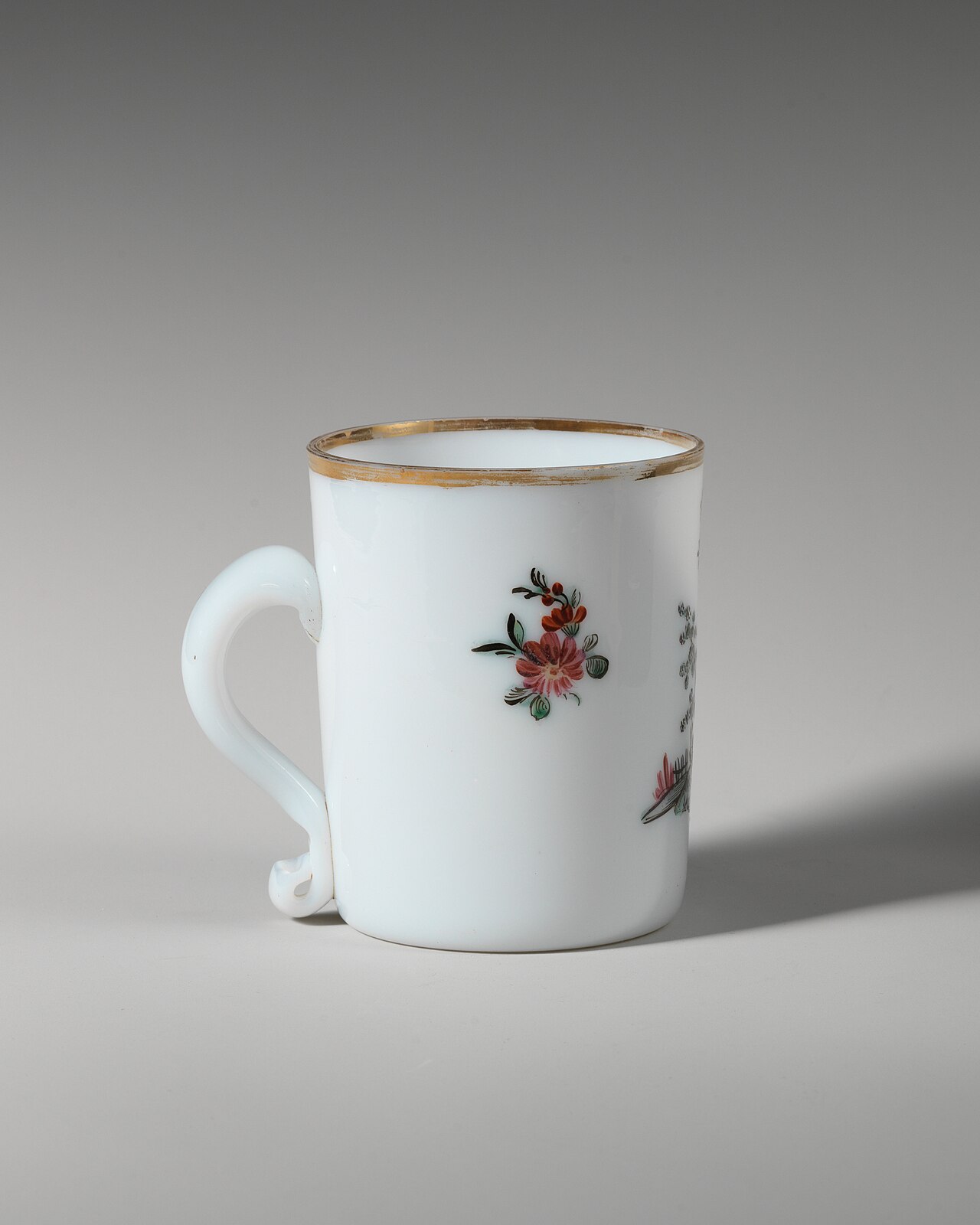
Reference image
Generated result
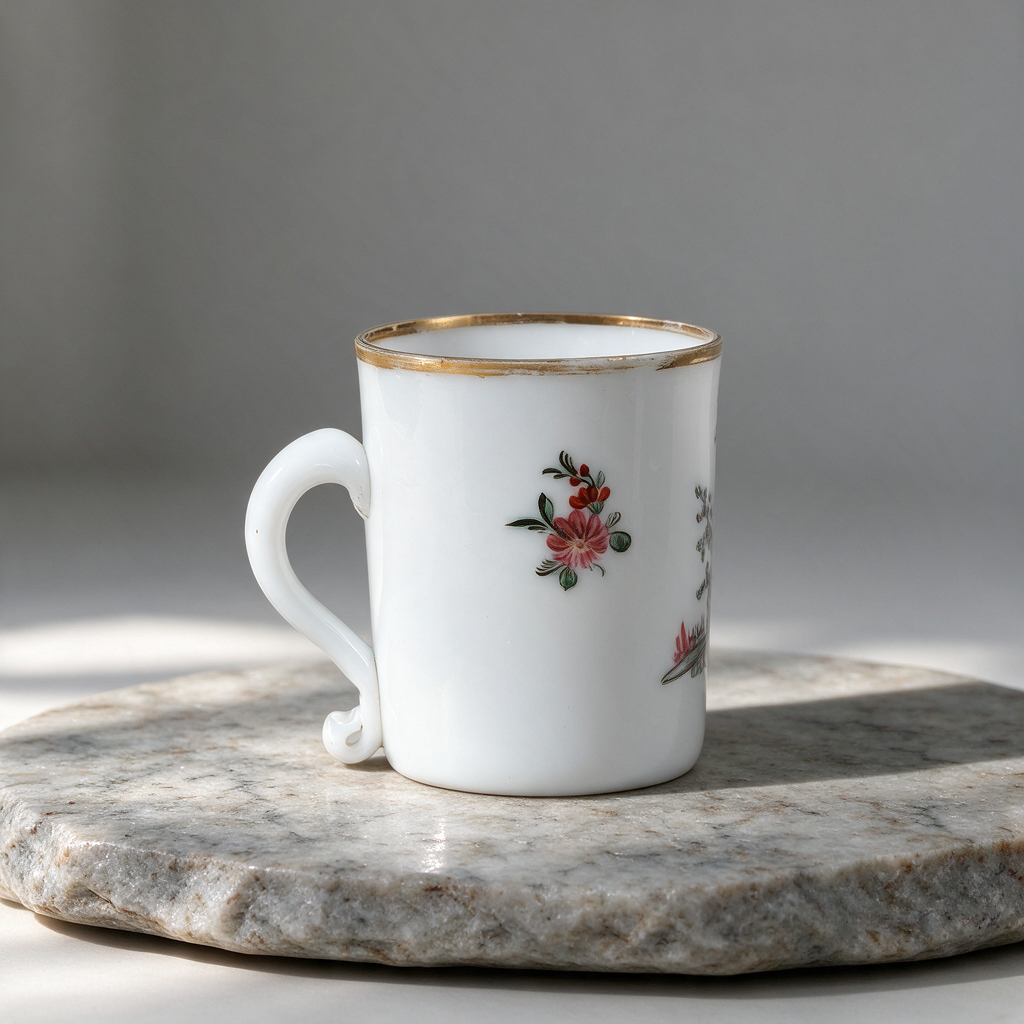
Milk-glass mug on natural stone with soft daylight. The handle and floral motif remain recognizable; fine detail can change.
Reference photo: The Metropolitan Museum of Art · CC0 · AI scene adaptation. CC BY-SA terms also apply to adapted outputs where indicated.

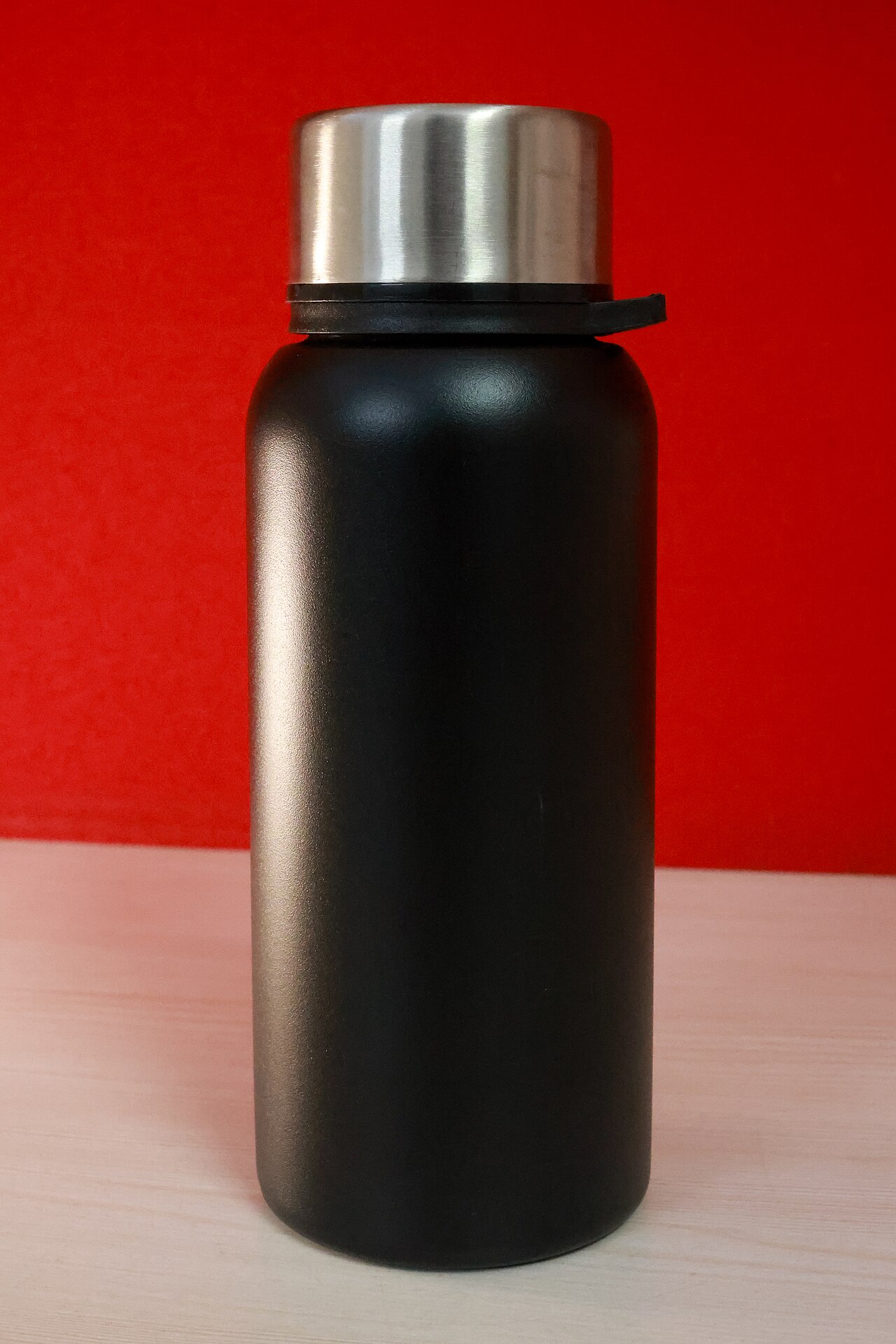
Reference image
Generated result
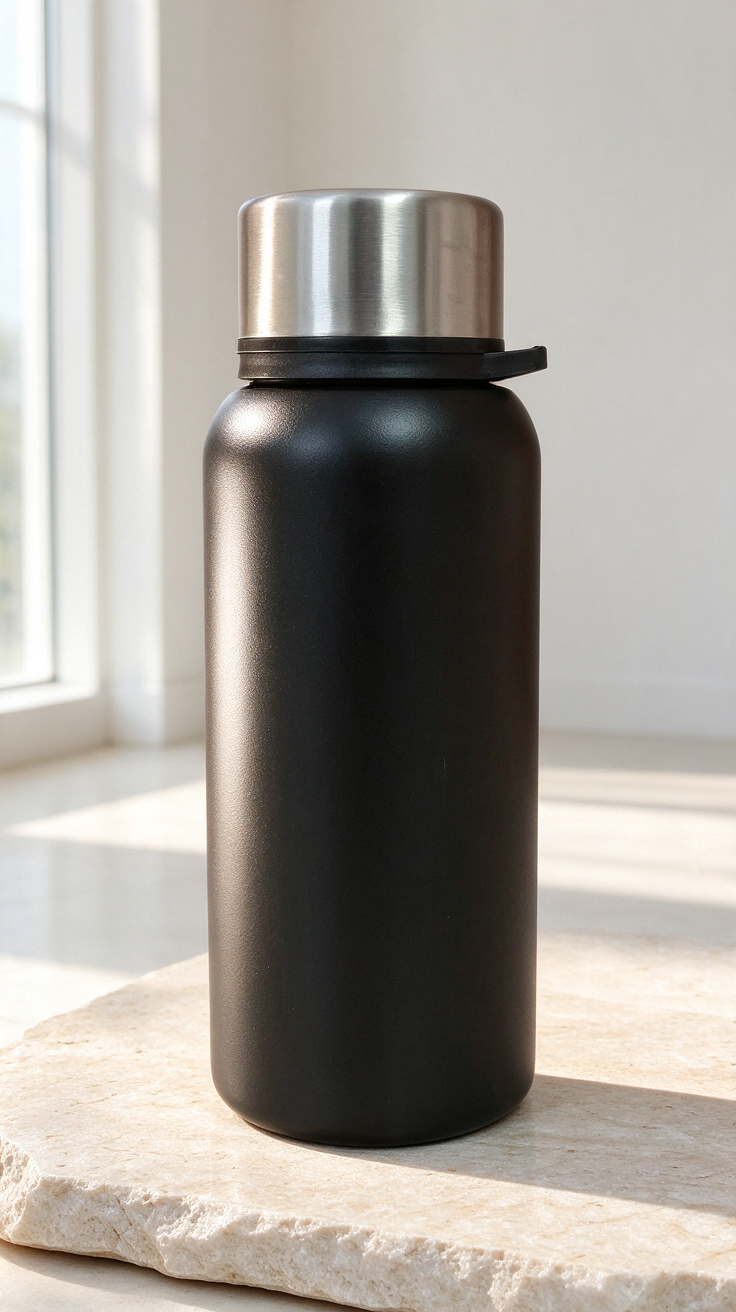
A black bottle with a reflective metal cap, natural stone and side lighting. The cap and retaining strap remain visible; reflections change with the scene.
Reference photo: Gannu03 · CC BY-SA 4.0 · AI scene adaptation. CC BY-SA terms also apply to adapted outputs where indicated.

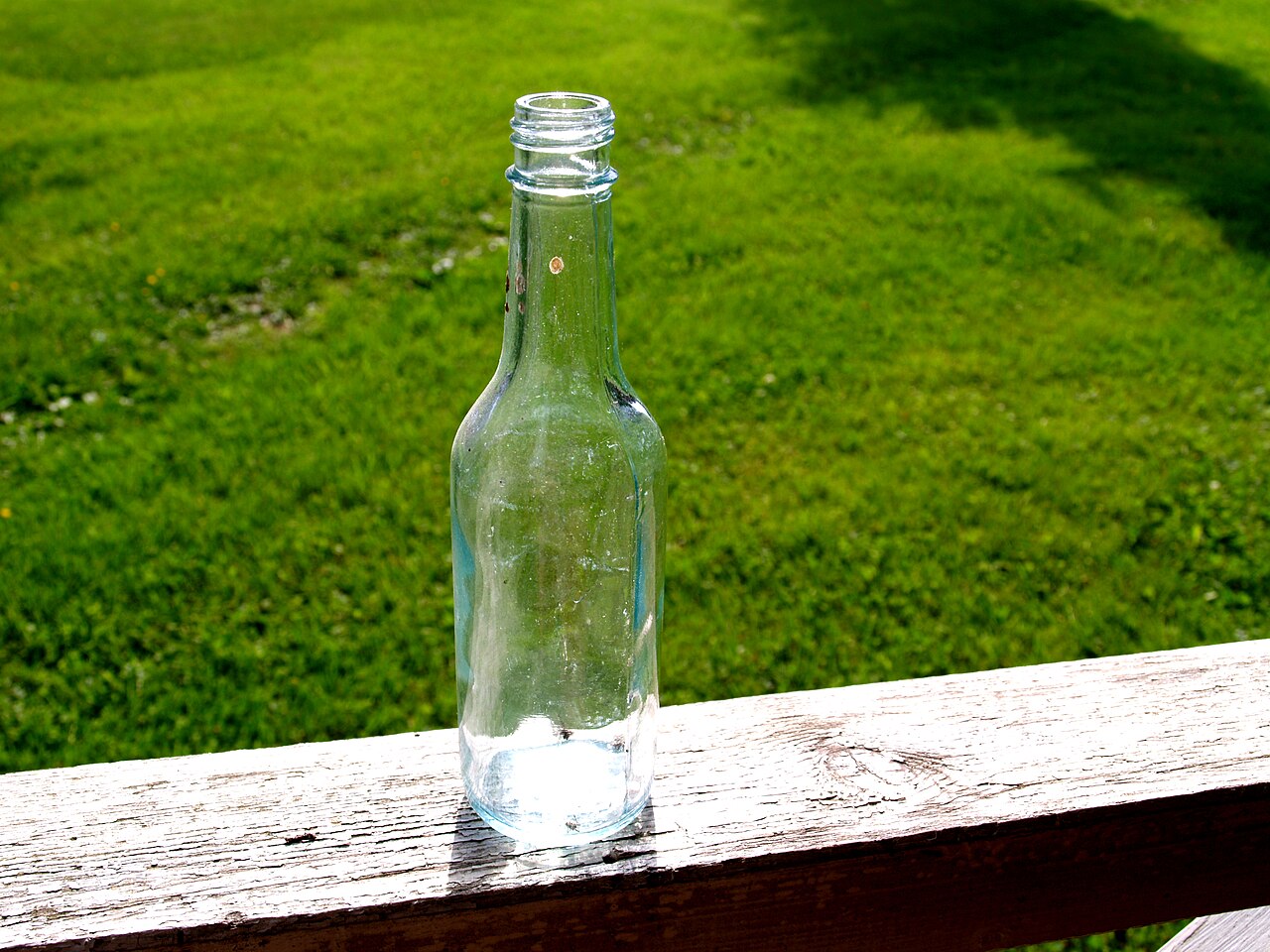
Reference image
Generated result
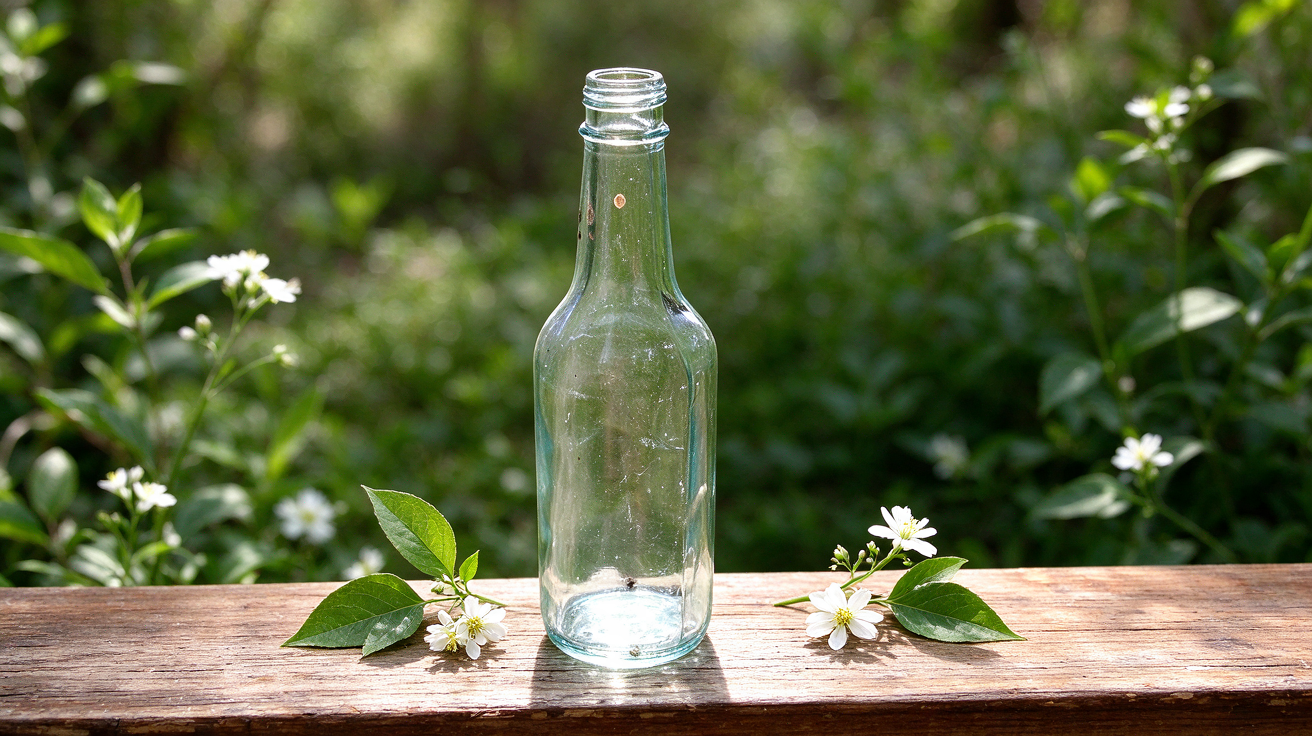
A clear, uncapped glass bottle in a botanical setting on wood. The background remains visible through the glass; decorative plants have been added around it.
Reference photo: Santeri Viinamäki · CC BY-SA 4.0 · AI scene adaptation. CC BY-SA terms also apply to adapted outputs where indicated.

From reference to result
- 1
Choose your reference and review its framing.
- 2
Adjust the recipe and review the quote.
- 3
Confirm generation, inspect the full result, then download.
What to check
In our five-image review, the tea box lost label text and the toy vehicle gained altered details. Check outlines, lettering, accessories, colors and material against your source. Use this for scene exploration, not as proof of an exact product photograph or deterministic background replacement.
How do I generate images and videos?
Image and video generation are fully available in Kunara Studio. Sign in, enter a prompt or choose a reference, review the credit quote (4 credits for an image, 20 credits for video), and confirm generation. Tasks run in the background and results are securely saved in your private projects.
How do the free sign-up credits work?
New eligible accounts receive 24 credits upon email verification, valid for 7 days. An image costs 4 credits and a 5-second video costs 20 credits. Free credits let you get started immediately, subject to standard anti-abuse controls.
What happens if a generation fails?
Tasks reserve credits when you confirm and settle them only after the result is saved, checked, and ready to download. Technical delivery failures release the reservation automatically. If a reserved credit lot expires during a failed task, those credits are restored for 7 days. Subjective dissatisfaction with a delivered file is handled through support.
What can I upload?
Choose one still JPG, PNG, or WebP up to 10 MB. Both sides must be at least 512px, with no more than 40 megapixels. References larger than 4096px on the longest edge are resized. Both browser and server validate images; server re-encoding removes source metadata before private storage. Upload starts only after sign-in when you request a quote. Uploading never starts a generation automatically.
What are the output specifications?
Images support 1:1, 16:9, and 9:16 aspect ratios, delivered as PNG with the longest edge at least 1024px. Videos are 5-second silent MP4 files at 720p resolution in landscape 16:9 or portrait 9:16.
Will my work be private, and how long will it stay?
Projects and files are strictly private to their owner. Generated inputs and outputs are retained for 30 days; prompt text and template selections are stored for 90 days. Task and credit records support account history. Expired files cannot be downloaded or reused. Text drafts remain browser-local, and references already uploaded to a private project can be reused anytime after login.
Can I use results commercially?
You must have rights to your references and comply with applicable service and model terms. Content review uses automated moderation. Kunara does not promise exclusive rights, legal clearance, identity preservation, or immunity from copyright claims.
Will continuing an image into video cost extra?
Yes. An image edit costs 4 credits and animating an image into video costs 20 credits because each is a distinct model generation. The studio reuses your source asset in the same project without requiring another upload. Every generation requires your explicit confirmation.
An image uses 4 credits. Animating it is a separate 20-credit task: 24 credits in total.